 By Nirmal Lashkari · Founder · Indore, Madhya Pradesh, India
100,000 USD converted at the default rate of 0.92 produces 92,000 EUR. The component also displays the applied rate as 1 USD = 0.9200 EUR, making the calculation transparent and easy to recompute as amount multiplied by the entered exchange rate.
Enter the current reference rate from your source.
Converted amount (EUR): 92,000 EUR

A currency conversion is a multiplication, not a prediction. This tool takes an amount in one selected currency, applies the exchange rate you enter, and reports the resulting amount in the destination currency. If you enter 100,000 as the amount, choose USD as From, EUR as To, and enter 0.92 as the rate, the result is 92,000 EUR. The result is only as current and useful as the reference rate supplied in the form.
The displayed rate is directional. A rate of 0.92 under the label “1 USD → EUR” means one unit of USD is being treated as 0.92 units of EUR for this calculation. It does not mean that one EUR converts to 0.92 USD. Reversing the direction requires reversing the pair and entering the reciprocal rate, subject to your chosen source’s rounding conventions.
Amount is the numeric quantity you want to convert. The component starts with 100,000 and allows values from zero upward. From identifies the currency attached to that amount, while To identifies the currency attached to the answer. Both selectors use the same seven available choices: USD, EUR, GBP, CAD, AUD, AED, and INR.
Exchange rate is labeled with the selected direction, such as “1 USD → EUR.” Enter the number of destination-currency units represented by one unit of the source currency. The field accepts decimal precision in steps of 0.0001 and also has a minimum of zero. The hint deliberately asks you to enter a current reference rate from your own source; the calculator does not fetch or verify a live quote.
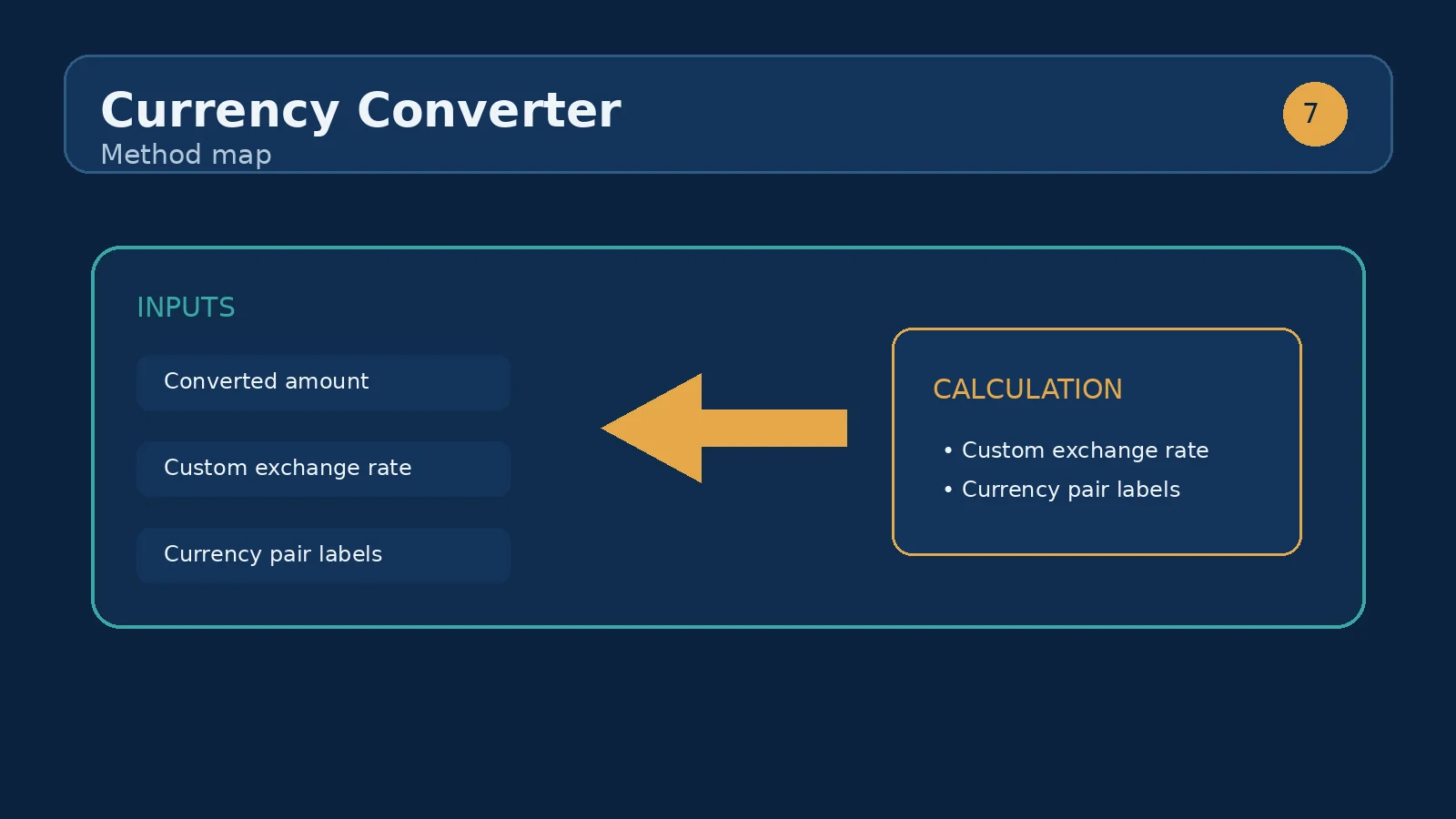
The calculation uses the amount and rate as the two numerical inputs: converted amount = amount × rate. The From and To selections provide the labels that explain the direction of the arithmetic and appear beside the outputs. For a 250 amount and a rate of 1.35, the converted amount is 337.5 destination units. The tool formats the converted result for readability and shows the selected To code after the number.
Because the arithmetic is direct, changing one input has an immediate and understandable effect. Doubling the amount doubles the converted amount when the rate is unchanged. Doubling the rate also doubles the converted amount, although that may indicate you have entered the wrong quote rather than a meaningful market movement. The rate output is formatted to four decimal places, so the display may be more precise-looking than the underlying source warrants.
No fee, spread, tax, commission, transfer charge, or rounding adjustment is added by the component. If you are comparing the result with a bank, card issuer, exchange desk, or payment platform, their final amount may differ because their applied rate and charges are separate from this tool’s multiplication.
Suppose a project budget is 12,500 USD and your reference source states that 1 USD equals 0.92 EUR. Enter 12,500 in Amount, leave USD in From, select EUR in To, and enter 0.92 in Exchange rate. The calculator produces 11,500 EUR because 12,500 × 0.92 = 11,500. The result card labels this as “Converted amount (EUR),” while the second line records “1 USD = 0.9200 EUR.”
This scenario is useful for a first-pass comparison of amounts, but it is not a promise about what will arrive in an account. If the source rate changes, or if a provider deducts a conversion margin, repeat the calculation with the revised reference rate and separately account for any provider costs. Keeping the source rate, direction, and timestamp in your notes makes the result easier to review later.
A simple comparison is to hold the amount and currency pair constant, then change only the rate. For 1,000 USD converted to EUR, a rate of 0.90 gives 900 EUR, while a rate of 0.92 gives 920 EUR. The difference is 20 EUR on the same nominal amount. To compare fairly, keep USD in From and EUR in To in both runs and record which rate produced each result.
You can also compare the effect of a fixed amount across different pairs, but the numbers are not automatically comparable as prices. For example, 1,000 USD converted to EUR and 1,000 USD converted to GBP answer different destination-unit questions. A larger numerical result does not by itself mean one currency is stronger, cheaper, or preferable; it reflects the selected unit relationship.
The emphasized output is the converted amount, followed by the To currency code. This is the destination-unit estimate generated from the current Amount and Exchange rate fields. It is the number to carry into a draft budget, planning worksheet, or preliminary comparison, provided you label it with the source rate and date.
The second output is Rate used. It restates the directional relationship as one From unit equals the displayed number of To units. Read it as an audit line: it lets you check whether the rate direction matches the conversion you intended. If the result seems unexpectedly large or small, inspect this line first, then verify the From and To selections before changing the rate.
The most common mistake is reversing the pair. If your source says 1 EUR equals 1.0870 USD but you enter 1.0870 while the label says “1 USD → EUR,” the arithmetic is internally consistent but the direction is wrong. Set From to EUR and To to USD for that quote, or calculate the reciprocal rate before using the opposite direction.
Another mistake is entering a percentage instead of a multiplier. A rate of 0.92 means 92 destination units per 100 source units; entering 92 would multiply the amount by one hundred times too much. Also check decimal separators, trailing zeros, and whether the source rate is quoted per one unit or per another quantity. The component permits zero, but a zero rate will correctly produce a zero converted amount and is usually a signal to recheck the input.
Finally, do not confuse a clean calculator result with a settled payment amount. Use the result as a transparent reference calculation, then reconcile it with the rate, spread, and fees that apply to the actual transaction.
After testing one currency pair, a useful next sibling-tool use case is an exchange-rate comparison or budgeting workflow. Run the same amount under two or three reference rates, copy each converted output, and compare the destination totals. If you are planning recurring income or costs, repeat the exercise for each period rather than treating one rate as permanent.
You can also use the calculator as a checkpoint before a broader financial calculation. Convert an income, invoice, travel budget, or purchase estimate into the currency used by the next worksheet, then preserve the original amount and the rate used alongside the converted figure. That practice keeps assumptions visible and prevents a later reader from mistaking a converted estimate for a live quote.
No. This tool uses the reference rate you enter, so the conversion is only as accurate as the rate you supply. Live rate integration is planned for a future release.
Multiply the amount by the exchange rate. On the defaults, 100,000 × 0.92 = 92,000, so $100,000 becomes €92,000. When the rate is quoted the other way around — how many dollars per unit of the target currency — divide instead of multiplying.
Enter the rate as the amount of target currency you receive for one unit of source currency. For the default, 1 USD = 0.9200 EUR. If your source quotes it as EUR per 1 USD, keep the same direction; if it quotes USD per 1 EUR, take the reciprocal.
No. Real conversions are often worsened by a spread and transfer fees, so treat the result as a mid estimate. For a planned transfer, add a realistic margin or use the exact rate your provider quotes.
Beyond the headline exchange rate, watch transaction fees, currency volatility, local transfer taxes, and financing rates in the destination market. Timing a large transfer at a favorable rate can matter as much as the price itself.
No. The component uses the exchange rate you enter and does not retrieve, verify, or update a live market quote.
The From and To selectors each contain USD, EUR, GBP, CAD, AUD, AED, and INR.
A label such as “1 USD → EUR” means the entered rate expresses how many EUR units are used for one USD unit in this calculation.
Yes. The amount field has a minimum of zero, and JavaScript numeric input handling permits decimal values where the browser supplies them.
The tool performs amount multiplied by rate only. A provider may apply a different rate, spread, fee, commission, or other transaction adjustment.
Swap the From and To selections and enter a rate quoted in that new direction; do not reuse a directional quote without reversing it.
UAE off-plan property: Dubai's 4% DLD fee and registration costs, how developer payment plans really work, RERA escrow protection, worked numbers on a AED 2.2.
Buying property in the UAE: freehold vs leasehold, fees, taxes, mortgage rules and the process for international buyers.
Buying property in the USA as a foreign or first-time buyer: costs, taxes, financing options and the step-by-step process.
How we calculate: calcCurrency in calculators.ts; regression checks in calculators.test.ts
Last reviewed: . Learn more about Nirmal Lashkari and LashkariProperties.
Disclaimer: This calculator provides estimates for informational purposes only and is not financial, tax, or legal advice. Verify figures with a qualified professional before making decisions.