 By Nirmal Lashkari · Founder · Indore, Madhya Pradesh, India
$300,000 purchase, $420,000 sale, $9,000 purchase costs, and $25,000 selling costs, the estimated capital gain is $86,000. The corresponding total cost basis is $309,000, net proceeds are $395,000, and the gain is approximately 27.83% of the cost basis.
Capital gain: $86,000.00

A capital gain is the difference between what remains after a sale and what it cost to acquire the asset. This calculator keeps that question deliberately narrow. It asks for a purchase price, a sale price, purchase costs, and selling costs, then shows four results: capital gain, gain percentage, total cost basis, and net proceeds. It does not estimate tax, holding-period treatment, exemptions, or a jurisdiction-specific allowance.
The useful mental model is a two-sided bridge. Start with the amount paid to acquire the asset and add the costs attached to that purchase. Separately, start with the sale price and subtract the costs attached to selling. The gain is the second figure minus the first. That structure helps prevent a common error: treating the headline sale price as the money actually available after closing, brokerage, fees, or other selling expenses.
The displayed currency symbol is a presentation convention, while every field accepts a non-negative numeric amount. Use one currency consistently across all four inputs. A result is only meaningful when the purchase and sale figures describe the same asset and the costs are recorded in the same unit.
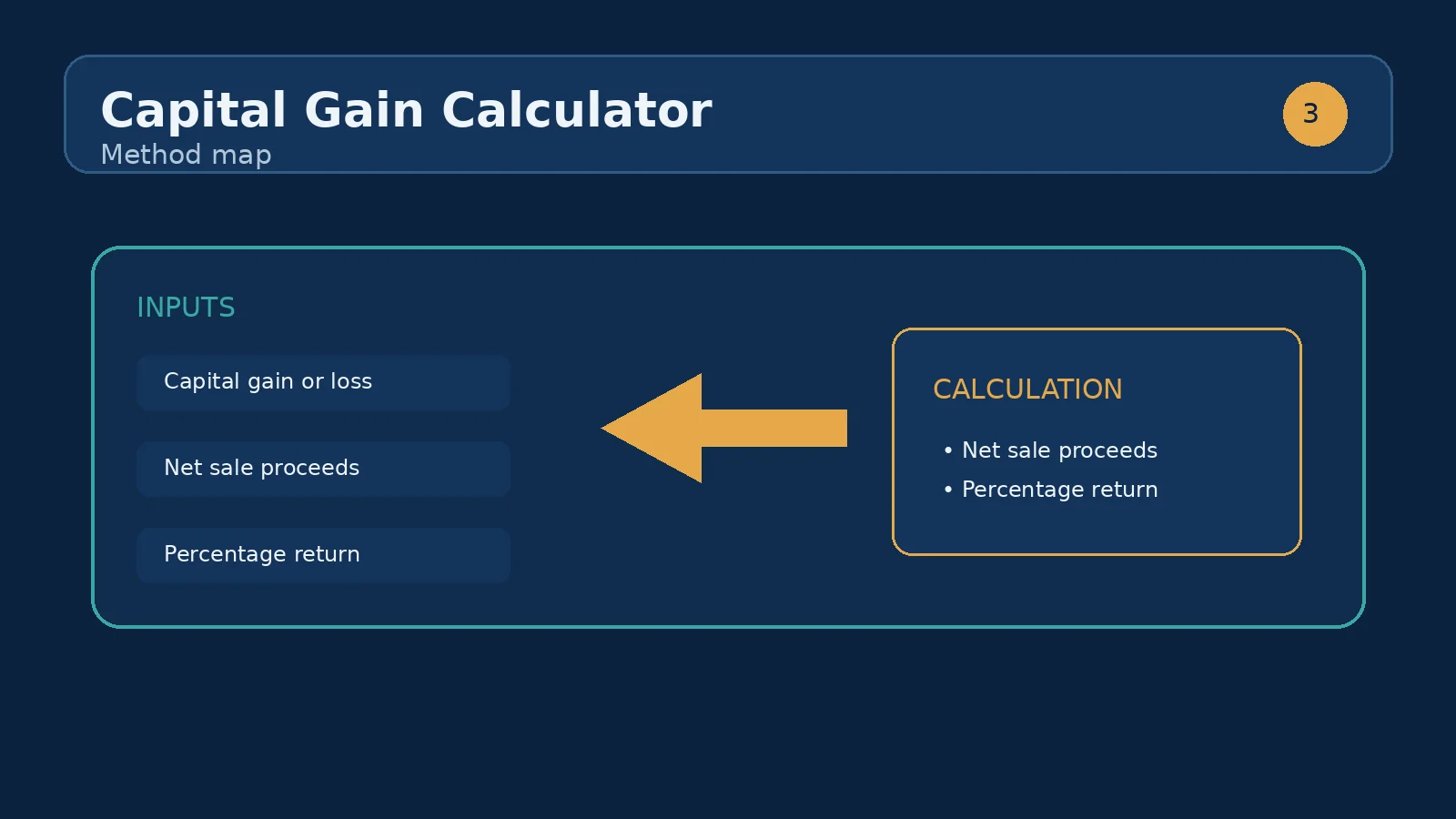
Purchase price is the original amount paid for the asset. Sale price is the amount agreed for the later sale. Purchase costs are additional acquisition expenses that you want included in the calculator's cost basis. Selling costs are expenses associated with completing the sale. Each field is independent, so changing one value immediately changes the derived figures without requiring a separate submit action.
The component calculates total cost basis by adding purchase price and purchase costs. It calculates net proceeds by subtracting selling costs from sale price. Capital gain is net proceeds less total cost basis. Gain percentage expresses the gain relative to total cost basis, so it answers a different question from the dollar gain: how large was the gain compared with the complete amount entered as the acquisition basis?
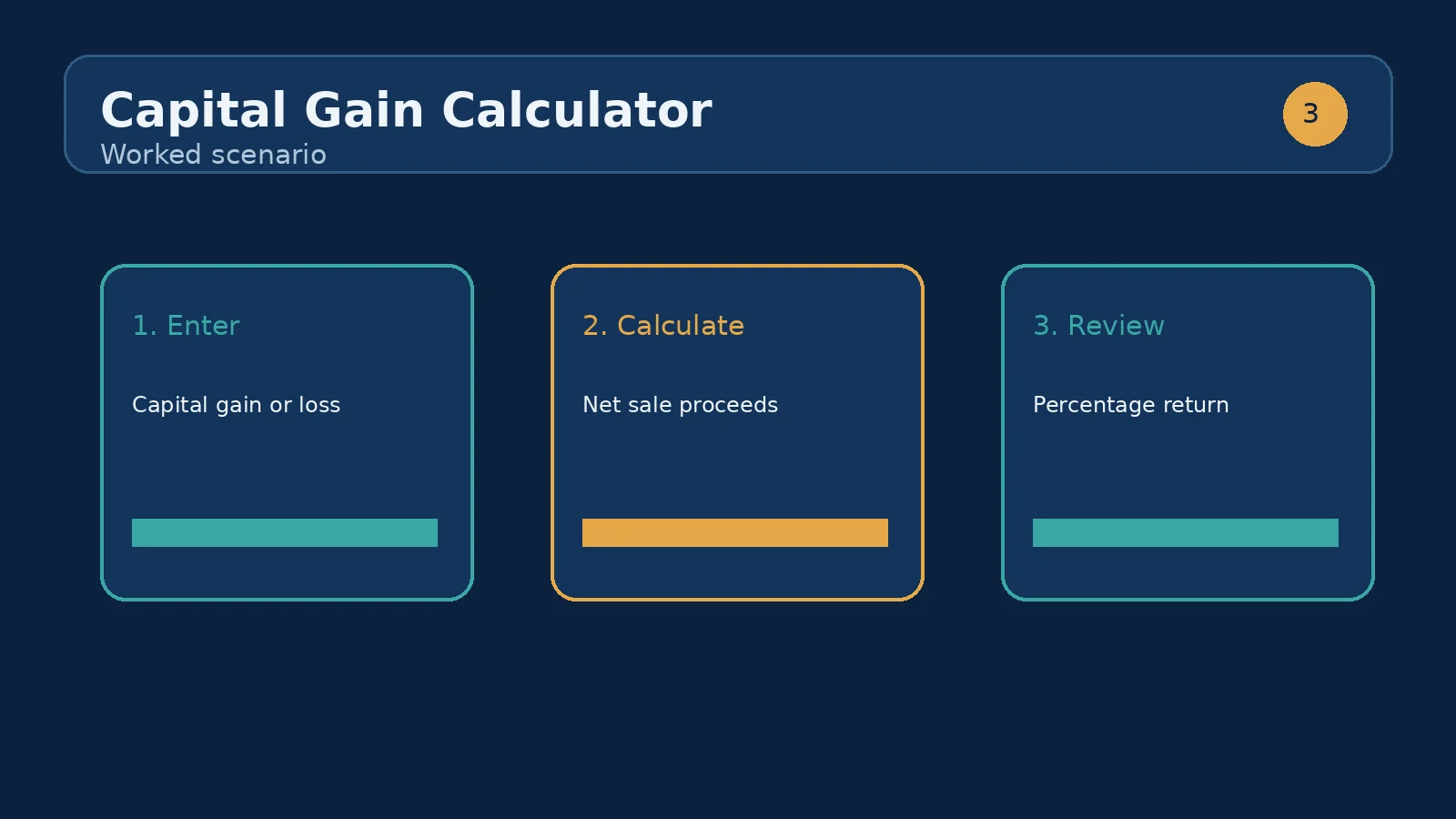
Consider the component's initial example: a purchase price of $300,000, a sale price of $420,000, purchase costs of $9,000, and selling costs of $25,000. Total cost basis is $309,000 because the purchase amount and purchase costs are combined. Net proceeds are $395,000 because selling costs are removed from the sale price. The resulting capital gain is $86,000, and the gain percentage is about 27.83% when measured against the $309,000 total cost basis.
Now compare that with the tempting but incomplete shortcut of subtracting $300,000 from $420,000. That shortcut produces $120,000, overstating the calculator's gain by $34,000. The difference comes from both sides: $9,000 of acquisition costs increases the basis, while $25,000 of selling costs reduces proceeds. The calculator is therefore useful as a reconciliation tool: each input has a visible economic role, and the result can be rebuilt from the two subtotals.
This is a factual arithmetic example, not a tax conclusion. Whether a particular expense belongs in a real-world tax basis or proceeds calculation depends on the asset, records, and applicable rules. Use the calculator to organize entered figures, then verify treatment with appropriate professional or official guidance when the result will support a filing or transaction decision.
Suppose the purchase price remains $300,000 and purchase costs remain $9,000, but you test two selling-cost assumptions. With a $420,000 sale and $25,000 selling costs, net proceeds are $395,000 and the gain is $86,000. If selling costs were instead $10,000, net proceeds would be $410,000 and the gain would be $101,000. The $15,000 change in selling costs passes directly through to both net proceeds and capital gain.
This comparison shows why the calculator should be used for scenarios rather than a single optimistic guess. You can enter a conservative estimate, then a lower-cost estimate, and compare the resulting gain percentage. Do not alter purchase price at the same time unless you intend to test a different acquisition; otherwise you will not know which assumption caused the change.
Capital gain is the headline dollar difference after the calculator includes both categories of costs. A positive number means the entered net proceeds exceed the entered total cost basis. A negative number means the entered net proceeds are below the entered basis; that is a loss in the calculator's arithmetic sense. Gain percentage is a rate-like comparison against total cost basis, not a tax rate and not a forecast of investment return over time.
Total cost basis is the acquisition-side subtotal: purchase price plus purchase costs. Net proceeds are the sale-side subtotal: sale price minus selling costs. These two values are often more useful for checking the result than the headline gain itself. If the numbers look surprising, inspect the subtotals first. For the worked scenario, $395,000 minus $309,000 must equal the displayed $86,000.
Because the component formats the results as currency and percentage, rounding may appear in the display. Perform any detailed reconciliation with the underlying amounts you entered, especially when costs include cents or when several assets are being combined outside this single calculator.
The first mistake is entering selling costs as a positive addition to the sale price. In this calculator, the selling-cost field is subtracted, so enter the cost amount itself rather than a negative number. The second is entering purchase costs in the sale-cost field, which reverses their intended effect. Label receipts or transaction records before transferring figures so acquisition and disposal expenses stay separate.
Another mistake is mixing gross and net figures. If the sale price already represents an amount after costs, entering those same costs again will reduce proceeds twice. Conversely, entering a net purchase figure while also adding purchase costs can understate the basis. Choose a clear convention: use the gross purchase and sale amounts when the related costs are entered in their dedicated fields.
Finally, do not read the gain percentage as an annualized return. The component has no purchase date, sale date, holding period, reinvestment assumption, or cash-flow schedule. It cannot calculate time-weighted performance, internal rate of return, or a tax bill. It only compares the entered gain with the entered total cost basis.
Begin by gathering the acquisition and sale records for the same asset. Enter purchase price and sale price first, then add only the costs you want represented in the two cost fields. Check that all four values are non-negative and expressed in the same currency. Read total cost basis and net proceeds before interpreting capital gain. Those subtotals provide a quick audit trail.
Next, run at least one sensitivity check. Increase selling costs to reflect a higher reasonable estimate, or remove a cost that you discover is already embedded in a net figure. If the gain changes by exactly the cost adjustment, the calculator is behaving as expected. Save the assumptions alongside the result; a gain without its four inputs is difficult to reproduce later.
For a broader analysis, the next sibling use case is the investment-return or ROI calculator, if available in the same tool collection. Use this capital-gain calculator to isolate the transaction-level dollar difference, then use a return-oriented tool when you need to incorporate time, additional cash flows, or a percentage return convention. Keep the two outputs conceptually separate rather than presenting a transaction gain as a complete performance report.
Not necessarily. Taxable capital gains depend on local tax rules, exemptions, and holding periods. Consult a tax professional for your situation.
Gain equals net sale proceeds minus total cost basis. On the default example, the $300,000 purchase plus $9,000 of purchase costs builds a $309,000 basis; the $420,000 sale less $25,000 of selling costs leaves $395,000 of proceeds — a gain of $86,000.
The purchase price plus the costs of buying, such as legal fees, transfer taxes, and inspection costs. The default example carries a $309,000 basis: a $300,000 price plus $9,000 of purchase costs.
The sale price minus the costs of selling — agent commissions, legal fees, and staging or marketing costs. The default example nets $395,000 from a $420,000 sale after $25,000 of selling costs.
Divide the gain by the total cost basis. The default $86,000 gain on a $309,000 basis is a 27.83% return on your invested cost.
It adds purchase price and purchase costs for total cost basis, subtracts selling costs from sale price for net proceeds, and subtracts total cost basis from net proceeds for capital gain. Gain percentage compares that gain with total cost basis.
Yes. If net proceeds are lower than total cost basis, the capital gain result becomes negative. The displayed percentage likewise reflects the negative difference relative to the entered basis.
No. Enter the positive cost amount in the Selling costs field. The calculator subtracts that amount from sale price when it computes net proceeds.
Enter the acquisition-related amount you want included in this calculator's basis. The component does not classify expenses or decide whether a specific real-world charge qualifies, so keep your records and verify treatment separately when necessary.
The calculator adds purchase costs to the basis and subtracts selling costs from proceeds. Both adjustments reduce the resulting gain compared with the simple headline-price subtraction.
No. There is no date or holding-period input. Gain percentage is the entered capital gain divided by total cost basis, expressed as a percentage.
Check the two subtotals first: total cost basis should equal purchase price plus purchase costs, and net proceeds should equal sale price minus selling costs. Then confirm that no amount was entered twice or mixed between gross and net figures.
Capital gains on property sales: how the gain is computed, the US primary-residence exclusion, UK and Canada rates, Australia's 50% discount, and a worked.
How to estimate property appreciation realistically: historical data, growth drivers and why past returns rarely repeat.
How we calculate: calcCapitalGain in calculators.ts; regression checks in calculators.test.ts
Last reviewed: . Learn more about Nirmal Lashkari and LashkariProperties.
Disclaimer: This calculator provides estimates for informational purposes only and is not financial, tax, or legal advice. Verify figures with a qualified professional before making decisions.