 By Nirmal Lashkari · Founder · Indore, Madhya Pradesh, India
$320,000 borrowed against a $400,000 property produces an 80% loan-to-value ratio and 20% equity. These figures are calculated as loan amount divided by property value and the remaining ownership share; the component also displays a lender risk band, but its imported band-classification function is not included in the supplied final-delivery source.
Lender risk band
standard
Loan-to-value (LTV): 80%
Lower LTV usually unlocks better rates. Above 80% typically triggers mortgage insurance.

Loan-to-value, usually shortened to LTV, compares the amount borrowed with the value of the property securing that borrowing. It is a ratio, not a dollar balance: a $320,000 loan against a $400,000 property produces an LTV of 80%. The companion equity percentage is the portion of the stated property value not financed by the loan, so the same example shows 20% equity. Reading both figures together makes the ownership and borrowing sides of the same starting position visible.
This calculator is deliberately narrow. It accepts a loan amount and a property value, then returns the LTV percentage, your equity percentage, and a lender risk band. It does not estimate a payment, interest cost, taxes, insurance, fees, appreciation, or a lender's final underwriting decision. Treat the result as a transparent starting ratio for comparing scenarios rather than as a promise about approval or pricing.
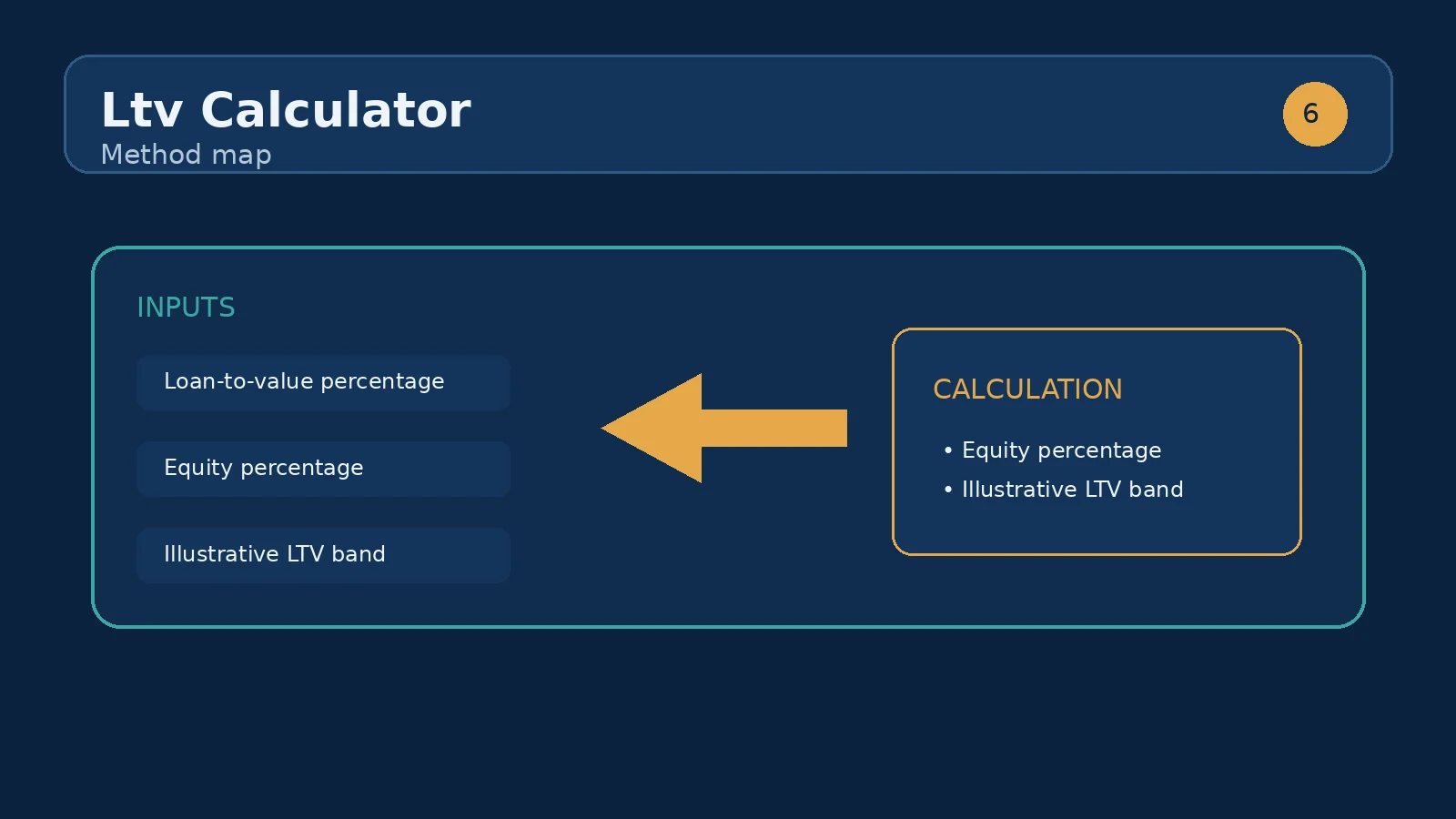
Enter the full loan amount in the first dollar field and the property's value in the second. Both fields accept non-negative numbers and display a dollar prefix. The calculation is conceptually simple: LTV equals loan amount divided by property value, multiplied by 100. Equity percentage is the remaining share, calculated as 100 minus LTV. With the component's starting values of $320,000 and $400,000, the result is 80% LTV and 20% equity.
The denominator matters as much as the loan. Holding a $320,000 loan constant while changing the property value to $500,000 lowers LTV to 64% and raises equity to 36%. Holding the $400,000 value constant while increasing the loan to $360,000 raises LTV to 90% and leaves 10% equity. These paired tests are more informative than changing one number and assuming the other remains economically irrelevant.
Imagine a property valued at $400,000. In the first case, the loan is $360,000. The calculator shows 90% LTV and 10% equity, because $40,000 of the stated value is not financed. In the second case, the loan is $320,000. The output becomes 80% LTV and 20% equity, matching the component's default example. In the third case, the loan is $280,000, producing 70% LTV and 30% equity.
The comparison isolates one decision: how much of the property value is funded by debt at the point being measured. The dollar reduction from $360,000 to $280,000 is $80,000, while the LTV reduction is 20 percentage points. That distinction is useful when discussing a deposit, principal reduction, or a proposed refinance. It also prevents a common communication error: describing a lower loan balance without showing how it relates to the collateral value.
The result card labels a lender risk band alongside the numerical LTV. The label is a summary signal produced by the calculator; the percentage is the more precise output to carry into a comparison. A lower LTV generally means more value remains outside the loan, while a higher LTV means the debt represents a larger claim against the stated property value. The component's note says lower LTV usually unlocks better rates and that above 80% typically triggers mortgage insurance; those are directional reminders, not individualized offers.
Use a small comparison table in your own review: $360,000 against $400,000 is 90% LTV and 10% equity; $320,000 is 80% and 20%; $280,000 is 70% and 30%. The calculator does not decide which band a particular provider will use, nor does it account for credit history, income, property type, valuation method, or other loan conditions. Compare the outputs, then verify the applicable criteria with the relevant provider.
Your equity percentage is measured from the two numbers entered now. It is not a ledger of every cash contribution, and it is not a forecast. If a $400,000 property is paired with a $320,000 loan, the displayed equity is 20%. If the property's entered value rises to $450,000 while the loan remains $320,000, the displayed equity becomes about 28.89% and LTV becomes about 71.11%. The change comes from the assumed value in the input, not from an automatic principal payment.
That distinction matters when using an estimated valuation. A lender may use an appraisal or another valuation process, and the calculator has no way to validate the figure. Run a conservative value, a central value, and an optimistic value separately if you are exploring sensitivity. Keeping the loan fixed while varying the value shows valuation risk; keeping the value fixed while varying the loan shows borrowing risk. Label each case so that a scenario is not mistaken for a confirmed market value.
The first mistake is entering a purchase price where the question calls for a property value, or entering the down payment where the calculator expects the loan amount. A $80,000 down payment on a $400,000 property is not 20% LTV; it would be a $320,000 loan and an 80% LTV if there are no other financed amounts. The second mistake is mixing units or adding commas and symbols inconsistently. Use the dollar fields as labeled and keep both numbers in the same currency and scale.
A third mistake is assuming equity percentage equals the amount that can be withdrawn, or assuming an 80% result guarantees a particular insurance outcome. The component reports a ratio from the supplied inputs; it does not model product rules or accessible cash. Finally, avoid treating a rising property value as risk-free. A higher entered value lowers the displayed LTV, but the result is only as reliable as the value assumption. Recheck the ratio whenever the loan balance or valuation changes materially.
Start with the highlighted Loan-to-value result, then read Your equity directly beneath it and the lender risk band above. If you are comparing financing options, record all three outputs with the exact loan and value assumptions. A lower percentage can help frame a conversation about pricing or mortgage insurance, but the result should sit beside—not replace—full affordability, credit, property, and product analysis. If the percentage is unexpectedly high, first check that the loan amount and property value were not reversed.
The most useful next sibling-tool use case is the mortgage calculator. After an LTV comparison shows how different loan amounts affect the collateral ratio, carry each loan amount into the mortgage calculator to examine the resulting principal-and-interest payment and broader monthly budget. That sequence keeps two questions separate: LTV asks how much of the property value is financed, while a mortgage calculation asks what the debt service may look like under its own rate and term assumptions.
It measures the lender's exposure. Lower LTV means more of your own money is at risk, so lenders offer better rates.
80% or below generally avoids mortgage insurance. Rates typically improve further at 75% and again at 60%.
LTV is the loan amount divided by the property value, multiplied by 100. The calculator also reports equity percentage as the remaining share of the entered property value.
It means the entered loan equals 80% of the entered property value. With a $320,000 loan and a $400,000 property value, the corresponding displayed equity is 20%.
Yes, the field accepts the value you want to test, but the output will be only as reliable as that assumption. Run multiple value scenarios when uncertainty matters.
No. It is a calculator result that summarizes the LTV scenario. Providers may consider additional financial, property, and product information.
Equity percentage is calculated from the loan and property value currently entered. Changing the denominator changes the measured share even when the loan amount stays constant.
Use the mortgage calculator to explore payment implications for the loan amounts you compared here. It answers a different question from LTV and should be reviewed with its own assumptions.
Buying property in Canada: the stress test, down payments, CMHC insurance, land transfer tax, closing costs, and the process for residents and foreign buyers.
Is a 20 percent down payment required? When you can buy with less, how PMI affects the maths, and the deposit each loan type and country requires.
What is LTV ratio? Learn how loan-to-value is calculated, why 80 percent LTV matters for mortgage insurance, and how lower LTV gets you better rates.
How we calculate: calcLtv in calculators.ts; regression checks in calculators.test.ts
Last reviewed: . Learn more about Nirmal Lashkari and LashkariProperties.
Disclaimer: This calculator provides estimates for informational purposes only and is not financial, tax, or legal advice. Verify figures with a qualified professional before making decisions.