 By Nirmal Lashkari · Founder · Indore, Madhya Pradesh, India
$280,000 refinanced from 7.2% to 5.9% over 25 years saves about $227.88 per month, with an estimated break-even point of 18 months after $4,000 in costs. The modeled current payment is $2,014.85, the new payment is $1,786.97, and estimated lifetime saving after costs is $64,364.43.
Monthly saving: $227.88

Refinancing replaces the loan you have with a new loan secured against the same balance. The calculator isolates that decision by comparing your current payment with the payment implied by a new rate and a new term, then accounting for refinance costs. It does not assume that a lower advertised rate automatically creates a better outcome. A lower rate can reduce the payment, but extending the term can keep the debt outstanding longer; paying costs up front can improve the long-run result while weakening near-term cash flow.
The visible inputs are deliberately narrow. You enter the current loan balance, current rate, years left, proposed new rate, proposed new term, and refinance costs. The outputs are monthly saving, break-even point, current payment, new payment, and lifetime saving. Because taxes, insurance, escrow changes, points, and any cash taken out are not separate fields, use the results as a principal-and-interest comparison rather than a complete loan estimate.
A refinance is therefore a time-based choice. The key question is not simply whether the new payment is smaller today. It is whether the accumulated payment difference becomes larger than the costs before you expect to replace, sell, or refinance the loan again.
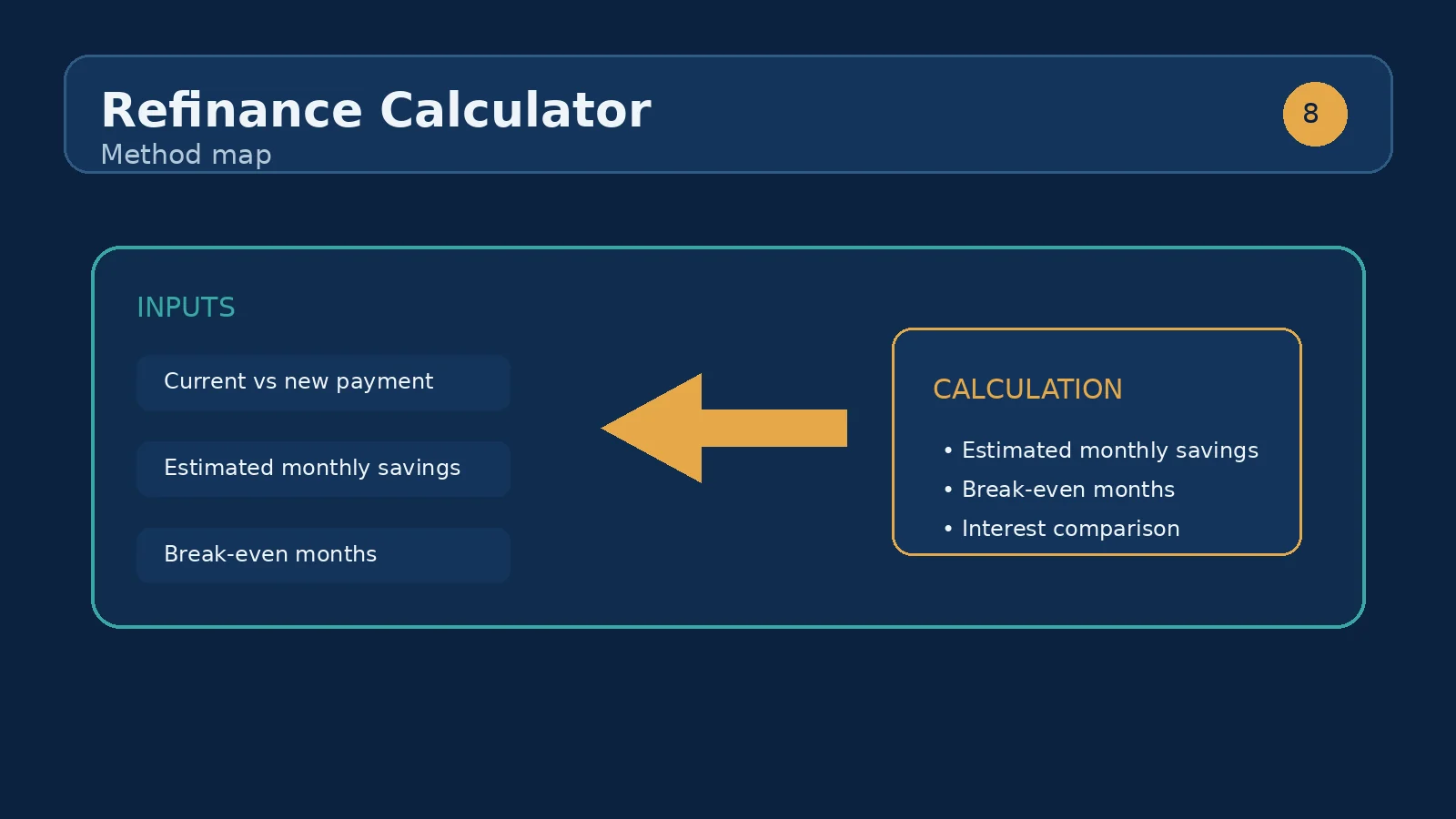
Current loan balance is the principal still owed, not the original amount borrowed and not the property's market value. Current rate is the annual percentage rate used by the existing payment calculation. Years left describes the remaining amortization period. These three values define the payment you are giving up, so estimates become misleading when an old statement balance is substituted for the present payoff amount or when the original term is entered instead of the years remaining.
New rate is the proposed annual rate for the replacement loan. New term is the number of years over which the replacement balance will be repaid. A new 30-year term may lower the payment relative to a loan with 18 years left, even if the rate falls only modestly. That lower payment is real, but it is not the same comparison as keeping the original payoff date. Test a shorter new term when your objective is interest reduction rather than payment relief.
Refinance costs are the upfront costs assigned to the new loan in this model. Enter a positive dollar amount for fees you expect to pay or finance, but do not also subtract those same costs elsewhere. The component accepts nonnegative numeric values for every field; it does not verify a lender quote, distinguish cash-paid costs from financed costs, or model prepaid escrow balances.
The calculator sends the six entered values to its refinance calculation: current balance, current rate percentage, current remaining years, new rate percentage, new term years, and refinance costs. Each loan payment is based on a standard fixed-payment amortization approach, with the annual rate converted to a monthly rate and the term converted to monthly payments. The result then compares the two payment streams and uses the cost amount to determine how long savings must accumulate before the upfront expense is recovered.
Monthly saving is the difference between the current payment and the new payment. If the new payment is lower, the result is positive and can be read as recurring payment relief. If the new payment is equal to or higher than the current payment, do not interpret the figure as a guaranteed financial loss or gain; it is a signal to inspect the term, rate, and cost assumptions. Break-even point expresses cost recovery in months when the comparison produces savings. When no saving is available, the interface displays “No saving” rather than inventing a recovery period.
Lifetime saving is a model output, not a promise about the future. It reflects the calculator's comparison under the entered terms and costs. It should be read alongside the time horizon: a result that becomes favorable only after a long period may not fit a borrower expecting to move or change loans sooner.
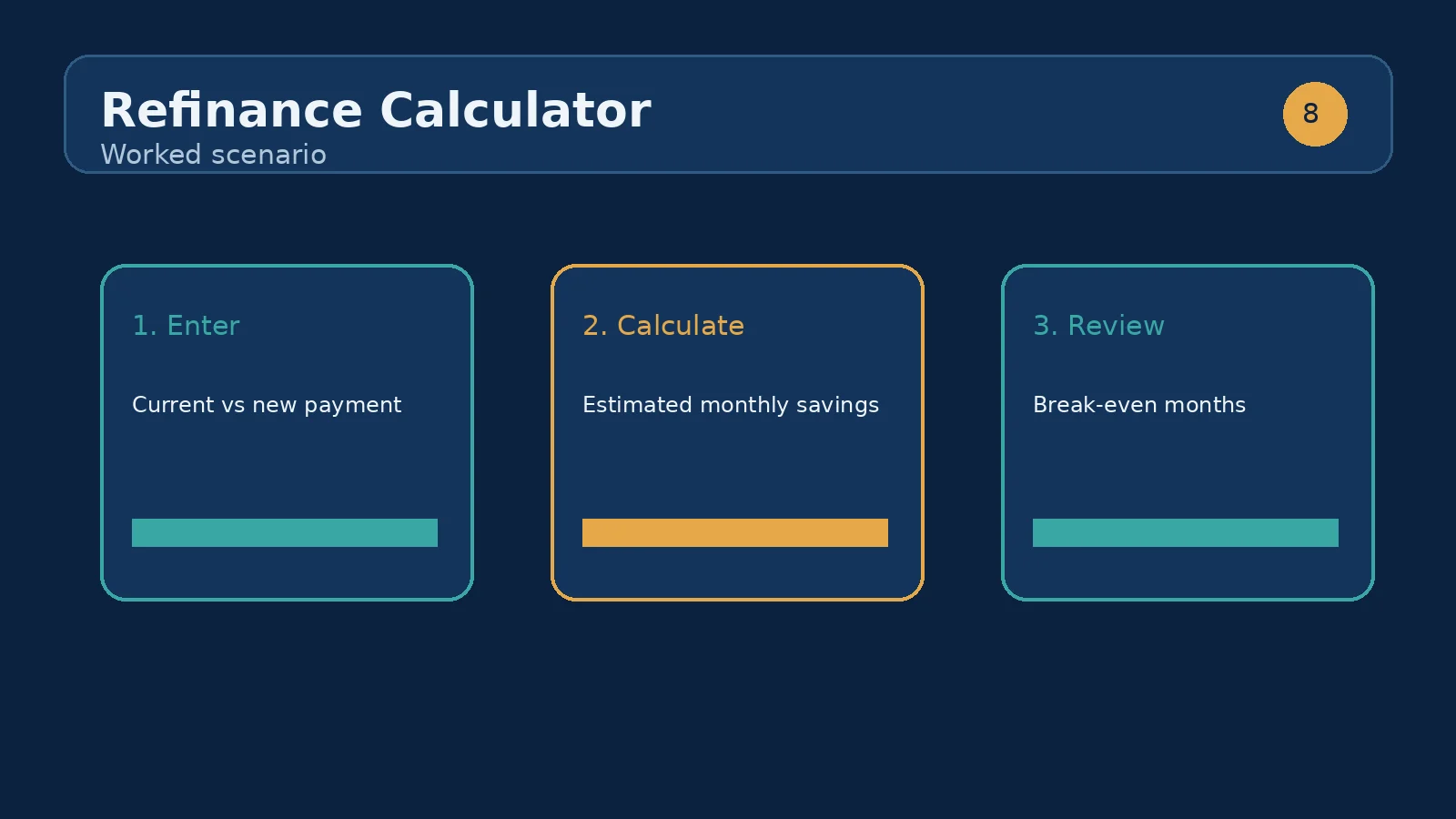
Start with the component's visible defaults: a current balance of $280,000, a current rate of 7.2%, 25 years left, a new rate of 5.9%, a new term of 25 years, and $4,000 in refinance costs. The current payment is approximately $2,015.52 per month, while the new payment is approximately $1,786.21. The displayed monthly saving is therefore about $229.31. Dividing the $4,000 cost by that monthly difference gives a break-even point of roughly 17.4 months, which the interface rounds to a whole number of months.
This is a useful baseline because the new term matches the remaining term. The comparison is closer to an apples-to-apples rate test: the borrower receives a lower payment without deliberately adding five years to the schedule. Under the model's assumptions, staying beyond the break-even point allows the payment difference to outweigh the entered costs. The lifetime saving output summarizes the modeled long-run difference, but it should not be treated as cash that arrives immediately or as a substitute for checking the final disclosure.
Now change only the new term to 30 years. The new payment falls further, so monthly saving may look more attractive, but the replacement balance is amortized over more months. Change the new term instead to 15 years and the payment may rise despite the lower rate; in return, the debt is scheduled to disappear sooner. Those tests show why the rate field alone cannot answer the refinance question.
First compare rate while holding the new term equal to years left. This asks whether the rate reduction creates enough payment relief to recover costs without resetting the payoff horizon. Second compare term while holding the proposed rate constant. This reveals the trade between monthly affordability and the length of the new schedule. Third compare costs: enter the cash-paid estimate, then a higher estimate that includes additional lender or third-party charges. The break-even output should move later as costs rise, even when the rate and term stay unchanged.
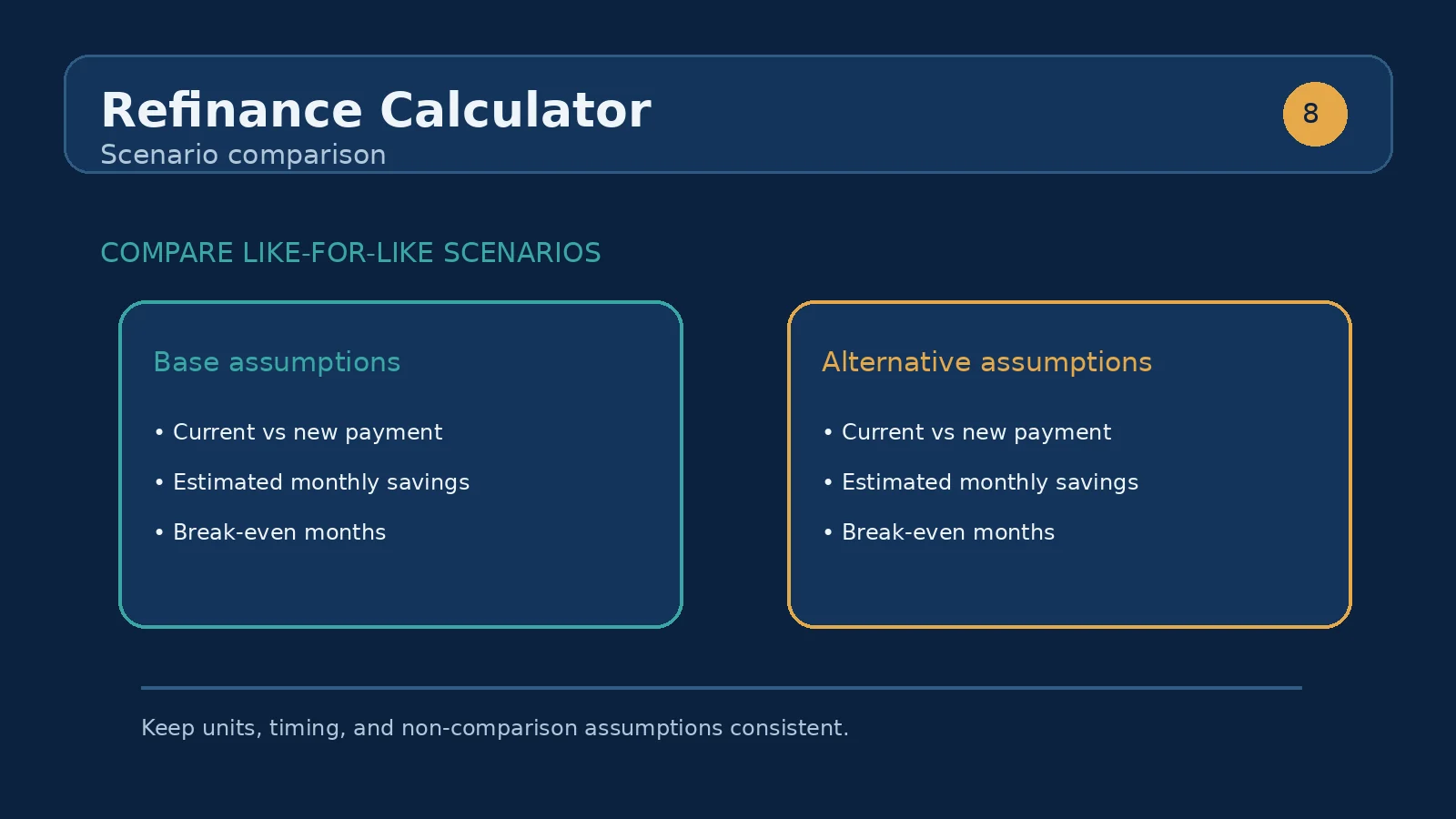
A practical comparison table can be built from repeated runs of the component. Rate test: keep balance, years left, new term, and costs fixed; change the new rate; inspect monthly saving and break-even. Term test: keep the balance, current inputs, new rate, and costs fixed; change the new term; inspect new payment and lifetime saving. Cost test: keep the balance, both rates, and both terms fixed; change refinance costs; inspect break-even. Horizon test: keep the quote inputs fixed and compare the break-even month with your expected holding period.
Do not compare a refinance payment with a current payment that includes unrelated escrow items unless the same items are represented on both sides. This component does not expose fields for taxes, insurance, or escrow refunds, so those amounts belong in a separate personal budget review. The cleanest use is to compare the loan-payment mechanics first, then reconcile the lender's full monthly estimate.
Current payment is the modeled monthly payment under the balance, current rate, and years left. New payment is the modeled payment under the proposed rate and new term. Read them together rather than focusing on the bold monthly-saving line. A lower new payment may result from a longer term, while a higher new payment can still be sensible if it shortens repayment and reduces modeled lifetime cost.
Monthly saving is a recurring difference, not an interest-rate percentage. Break-even point is the first timing test: if it says 18 months, the entered refinance costs have not been recovered by payment savings during the first 17 months under the model. If the interface says “No saving,” the new payment is not lower than the current payment under the supplied inputs, so a cost-recovery month is not calculated.
Lifetime saving is the broadest output and the easiest to misuse. Inspect whether it reflects the same term, whether costs have been included once, and whether you expect to retain the loan long enough for the comparison to matter. A positive lifetime figure does not remove the need to verify rate type, fees, prepayment terms, and the actual payoff statement.
The first mistake is entering the original loan balance instead of today's balance. That inflates both the current and new payment and can change the cost-recovery story. The second is entering the original term in the years-left field. If the loan is already several years old, the remaining schedule is shorter than the term printed on the original paperwork. The third is comparing a proposed rate that is not actually available for the chosen term or borrower profile; the calculator can evaluate the number, but it cannot validate the quote.
Another mistake is treating all costs as interchangeable. A cash-paid cost reduces liquidity today; a financed cost increases the replacement balance, while this component provides only one refinance-cost field rather than a separate financed-balance field. Entering a cost estimate twice makes break-even appear later than the underlying quote. Conversely, omitting appraisal, title, lender, or other applicable charges makes the result look better than it should.
Finally, avoid judging a refinance from payment alone. Resetting from a loan with fewer years left to a fresh longer term can lower the monthly number while increasing the amount of time interest is charged. Run the same balance through multiple new terms, record current payment, new payment, break-even, and lifetime saving, then decide which trade-off matches your objective.
Once this calculator shows a plausible break-even period, move to an amortization schedule calculator to inspect the balance path month by month. That follow-up is especially useful when the new term differs from years left, because it makes the reset in the payoff horizon visible. If the refinance is being considered to change monthly affordability, pair the result with a household budget or home-affordability tool rather than assuming the payment is the entire housing cost.
If the main objective is to compare an accelerated payoff instead of replacing the loan, the extra-payment calculator is the better sibling use case. It answers a different question: what happens when additional principal is paid under the existing loan? Running both scenarios helps separate payment reduction through refinancing from interest reduction through faster repayment. In either route, use the same current balance and a clearly stated time horizon so the comparison remains meaningful.
The final step is quote reconciliation. Match the lender's payoff balance, note rate, term, itemized costs, and projected payment against the calculator inputs. Re-run the model when any of those values changes. The tool is most valuable as a disciplined comparison worksheet: it exposes the assumptions that a headline rate or payment can hide.
It is the number of months of savings needed to recover your refinancing costs. If you plan to move before then, refinancing may not pay off.
Not always. Extending the term can lower your payment while increasing total interest paid. Compare both the monthly saving and the lifetime figure.
Enter the current principal balance or payoff amount you are using for the comparison, not the original amount borrowed. If the lender's payoff quote includes charges that are not principal, decide whether they belong in the refinance-cost input rather than silently combining them with the balance.
A longer term spreads repayment across more monthly installments. That can reduce the new payment even when the rate falls only modestly, but the debt remains scheduled for longer. Compare the new term with years left before deciding that the lower payment is the better result.
It means the modeled new payment is not lower than the modeled current payment for the supplied inputs, so the calculator does not produce a payment-savings break-even month. You can still inspect the term and lifetime-saving outputs, but do not treat the result as monthly payment relief.
Yes. The calculation uses the refinance-cost input against the modeled monthly saving. Enter the expected cost once and check whether the resulting month falls before the period you expect to keep the replacement loan.
No separate fields for taxes, insurance, escrow, or HOA dues appear in this component. Treat current payment and new payment as loan-payment results, then compare the complete monthly estimates from your lender and household budget separately.
Not automatically. A low payment may come from a longer new term, while a higher payment may retire the balance sooner. Review monthly saving, break-even point, new term, and lifetime saving together and align them with your expected holding period.
Home equity explained: how it builds over time, how to calculate it, and when borrowing against it makes sense for homeowners.
When refinancing makes sense: compare your current rate with the new offer, find the break-even month, and see whether the savings beat the upfront costs.
What is PMI and when can you remove it? See how mortgage insurance is calculated, what it costs, and the 20% equity rule.
How we calculate: calcRefinance in calculators.ts; regression checks in calculators.test.ts
Last reviewed: . Learn more about Nirmal Lashkari and LashkariProperties.
Disclaimer: This calculator provides estimates for informational purposes only and is not financial, tax, or legal advice. Verify figures with a qualified professional before making decisions.