 By Nirmal Lashkari · Founder · Indore, Madhya Pradesh, India
$320,000 at 6.5% over 30 years with an extra $100 monthly payment saves approximately $61,698.47 in interest and shortens payoff by 46 months (3 years 10 months), to 314 months or 26.2 years. The resulting base monthly payment is approximately $2,022.62.
Interest saved: $61,698.47
Locked +$100/month comparison
On $320,000 at 6.5% for 30 years with $100 extra monthly principal, the payoff is 314 months and estimated interest saved is approximately $61,698.

An extra-payment plan attacks the balance of a fixed-rate loan before the scheduled term ends. The regular payment still follows the original loan amount, annual rate, and term, but the additional monthly amount reduces principal faster. Because future interest is calculated on the remaining balance, that earlier reduction can remove both months from the schedule and interest that would otherwise have accumulated.
This calculator isolates that trade-off. It does not estimate a new loan offer, taxes, insurance, fees, or a changing rate. Instead, it compares the modeled loan with no extra payment against the same loan with the extra amount entered in the form. The result is useful when the question is, "What would a consistent additional principal payment do to this payoff plan?"
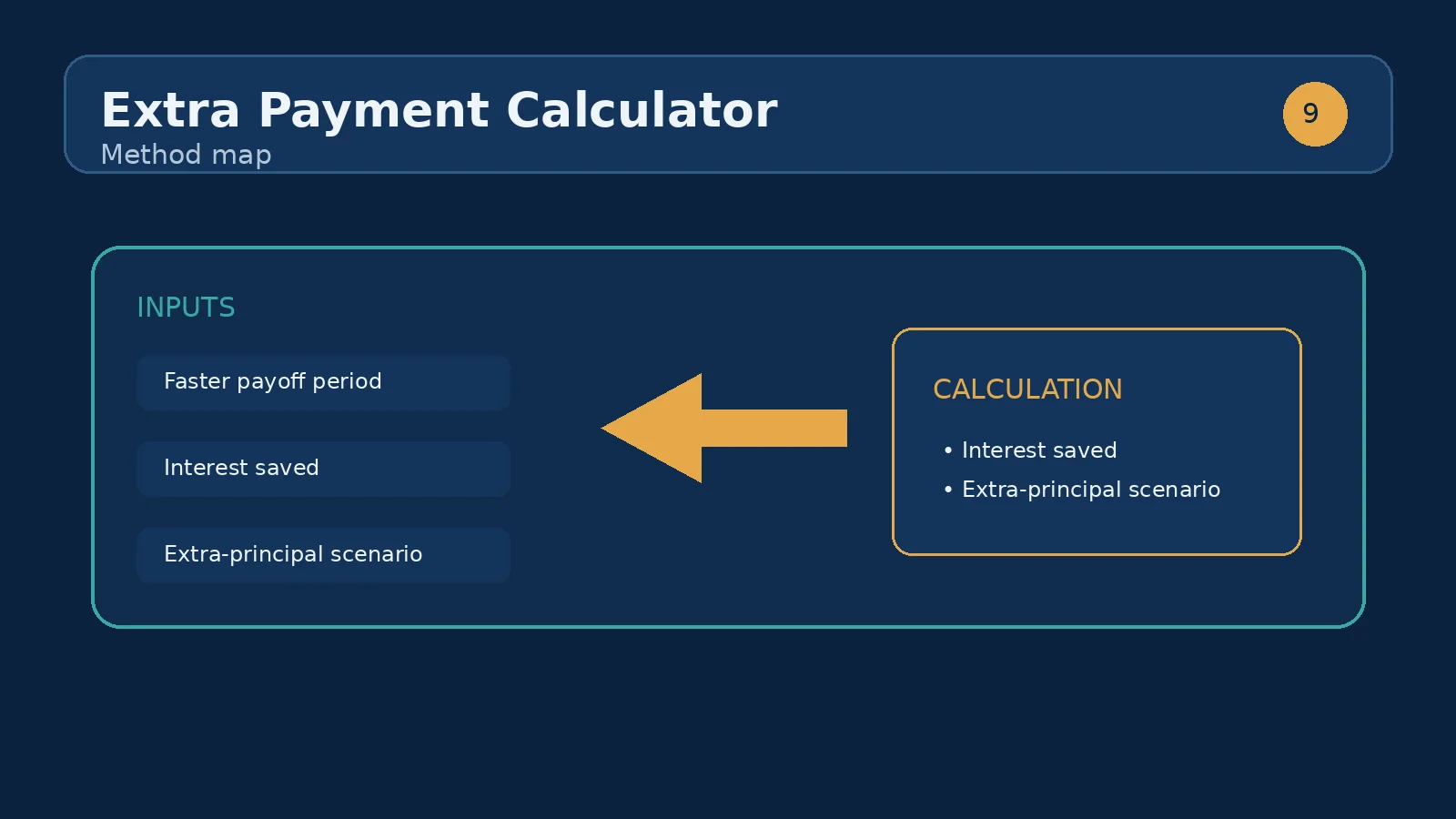
Loan amount is the starting principal being modeled. Enter the balance or original amount that the calculation should treat as the debt, rather than a property value or a target purchase price. If you are already partway through repayment, using the current principal balance makes the scenario closer to the decision in front of you, provided the rate and remaining term are also updated to match.
Interest rate is entered as an annual percentage. A value of 6.5 means 6.5%, not 0.065. Term is the scheduled length in years, and the component requires at least one year. Extra monthly payment is the recurring amount added to the base monthly payment; zero is allowed, which is a useful control case. The form accepts nonnegative numeric values, while the rate field advances in 0.1 percentage-point steps.
The underlying calculation first determines the ordinary fixed-payment amount for the loan inputs. It then models repayment with the entered extra monthly amount and compares the two schedules. The component displays four outputs: Interest saved, Time saved, New payoff time, and Base monthly payment. Each output answers a different planning question, so reading only the largest currency figure can hide an important cash-flow constraint.
Base monthly payment is the scheduled payment before the extra amount is added. It is a reference point, not the total of base payment plus taxes, insurance, or other obligations. New payoff time is shown in months and also converted to years with one decimal place. Time saved is expressed as years and remaining months when the extra payment shortens the modeled schedule; if it does not, the interface shows None.
Consider the component's initial values: a $320,000 loan, a 6.5% annual rate, a 30-year term, and a $100 extra monthly payment. The scheduled term contains 360 monthly payments. The base monthly payment is the ordinary fixed payment for the $320,000, 6.5%, and 30-year combination. The modeled comparison then adds $100 to that payment each month while the balance remains above zero.
In this scenario, the useful sequence is not to treat the base payment as if it had changed. First note the displayed Base monthly payment. Next read New payoff time to see how many months the accelerated schedule lasts. Then read Time saved to translate the difference from the original 360-month schedule into years and months. Finally use Interest saved to quantify the modeled reduction in interest. The figures are scenario outputs, not a promise that a servicer will apply every payment in exactly this way.
To test the size of the commitment, keep the loan amount, rate, and term fixed while changing only Extra monthly payment to $50, $200, or $500. The comparison is meaningful because one variable changes at a time. A larger extra amount should generally produce a shorter payoff period and more interest saved, although the marginal benefit of each additional dollar depends on when it is paid and how much balance remains.
Interest saved is the modeled difference between interest under the scheduled plan and interest under the plan with the extra monthly payment. It is not cash that arrives in an account today. It represents charges avoided over the modeled repayment period, assuming the input rate and payment behavior remain consistent. The figure is most persuasive when paired with a realistic assessment of whether the extra payment can be maintained.
Time saved is the difference between the original number of scheduled months and the new payoff duration. The interface breaks that difference into whole years and leftover months, so a result such as 3 yrs 10 mos is easier to use than a decimal year. New payoff time is the absolute duration of the accelerated scenario. For a zero extra payment, the comparison should show no time reduction and the new payoff time should match the original schedule, subject to the calculator's rounding behavior.
An extra monthly payment and a shorter contractual term can both accelerate repayment, but they are not identical choices. A shorter term normally sets a higher required payment from the beginning. An extra-payment strategy keeps the original scheduled obligation lower and treats the additional amount as a voluntary commitment. That difference can matter when income is uneven or when preserving a lower required payment provides a cash-flow reserve.
For a clean comparison, record the outputs for the original term with extra set to zero, then run the same loan with a shorter term and zero extra payment. Run a third case with the original term and an extra amount that produces a similar New payoff time. Compare Base monthly payment, Interest saved, and the amount of flexibility each plan leaves. The calculator does not decide which structure is preferable; it makes the payoff consequences of the recurring extra amount visible.
The first mistake is entering the property price instead of the loan amount. A second is entering a monthly rate in the annual rate field. A third is treating the extra amount as the entire payment rather than the amount added to the Base monthly payment. Each error changes the modeled schedule substantially. Check the units shown beside the fields before interpreting the outputs.
Another mistake is using an original term with a current balance. If the loan has already been paid down, enter a current balance together with a remaining term when that is the scenario being evaluated. Also avoid assuming that a one-time lump sum is represented by a recurring monthly payment; this component specifically models Extra monthly payment. Finally, do not confuse interest saved with an all-in savings figure when taxes, insurance, account fees, or payment-processing rules are outside the calculation.
Start with a baseline: enter the loan amount, annual rate, term, and set Extra monthly payment to zero. Record the Base monthly payment and New payoff time. Then add the amount that could genuinely be paid every month without relying on a bonus, overtime, or an uncertain future raise. Review the new payoff duration and the interest reduction together rather than selecting a plan from the savings number alone.
Next, stress-test the plan by reducing the extra amount or setting it to zero for a month in which cash is needed elsewhere. The tool is deterministic for the values entered, but real repayment depends on payment timing, account instructions, and the lender's treatment of additional money. Confirm how an extra payment is credited before relying on the result. Keep emergency reserves and other high-priority obligations in the broader budget rather than treating every available dollar as principal prepayment.
Once this calculator shows the payoff effect of a recurring extra amount, the natural next step is an amortization schedule. An amortization view can show how the balance and interest portion evolve payment by payment, while this tool gives the compact comparison of saved interest and shortened time. Use the amortization-schedule-calculator route when you need to inspect the month-by-month path rather than only the summary outputs.
If the goal is to compare a different rate or a replacement loan, use a refinance calculator instead of changing the extra payment field to imitate refinancing. If the goal is to decide how large a loan fits a budget, use a home-affordability or loan-eligibility tool. Keeping each question in the calculator designed for it prevents a precise payoff comparison from being mistaken for an approval, affordability, or refinance decision.
Extra payments reduce the principal directly, so all future interest is charged on a smaller balance. The effect compounds over the life of the loan.
Some mortgages carry early repayment charges. Check your loan terms before committing to extra payments.
No. It is added to the Base monthly payment in the modeled accelerated schedule. The displayed base payment remains the scheduled payment before the extra amount.
Zero provides the control case for the original schedule. Time saved should be None, and New payoff time should correspond to the entered term, subject to calculation and rounding behavior.
No. The visible input is a recurring Extra monthly payment. A one-time payment should be modeled with a tool or schedule that supports a dated lump sum, or checked directly against the lender's amortization information.
Each additional principal reduction lowers the balance on which later interest is calculated. Repeating that reduction across many payments can shorten the schedule and remove future interest charges.
No. The result is a calculation based on the four entered values. Payment timing, rounding, rate changes, fees, servicing rules, and how a lender applies additional money can make an actual result different.
Use the amount that matches the scenario. For a new loan comparison, the original principal is appropriate. For an existing loan, a current balance paired with the remaining term and applicable rate may better represent the decision.
Are extra mortgage payments worth it? See how much interest $100 a month saves, how it shortens the term, and when the cash is better invested.
How we calculate: calcExtraPayment in calculators.ts; regression checks in calculators.test.ts
Last reviewed: . Learn more about Nirmal Lashkari and LashkariProperties.
Disclaimer: This calculator provides estimates for informational purposes only and is not financial, tax, or legal advice. Verify figures with a qualified professional before making decisions.