 By Nirmal Lashkari · Founder · Indore, Madhya Pradesh, India
$350,000 assessed value and a 1.1% annual property-tax rate, the estimated annual property tax is $3,850.00, with a corresponding monthly amount of $320.83 after dividing the annual estimate by 12.
Effective annual rate in your jurisdiction.
Annual property tax: $3,850.00

Property tax is an annual charge derived from a property's assessed value and an effective annual tax rate. This calculator keeps the estimate deliberately focused: enter the assessed value, enter the rate as a percentage, and it returns the corresponding annual property tax and monthly property tax. It does not ask for a purchase price, mortgage balance, exemptions, assessment rules, levies, special assessments, or a tax bill's due dates. Those omissions are boundaries, not hidden assumptions.
The result is best read as a planning estimate. It answers how much tax the entered assessment and rate imply under a simple percentage calculation. Your actual bill can differ if your jurisdiction applies exemptions, caps, tiered rates, parcel-specific charges, reassessment rules, or separate assessments for land and improvements. Use the calculator to make the arithmetic transparent, then compare the inputs with the latest official notice or bill available to you.
Assessed value is the dollar amount used in the calculation, not automatically the property's listing price, recent sale price, replacement cost, or market value. Enter the assessed value relevant to the tax account you are examining. If a notice shows separate land and building assessments, combine them only when the jurisdiction treats the combined figure as the taxable assessment for the rate you are using. If you are testing a hypothetical property, label the value clearly so it is not mistaken for an official assessment.
Property tax rate is entered as a percentage, with a percent sign shown by the field. The component permits decimal precision in increments of 0.01 and identifies the value as an effective annual rate in your jurisdiction. A rate of 1.1 means 1.1 percent, not 110 percent. Because the calculator accepts a nonnegative numeric rate, zero is a valid what-if input, while a negative rate is outside the intended model.
The calculator starts with an assessed value of $350,000 and a tax rate of 1.1 percent. Those defaults are examples for interaction, not a claim about any particular place or property. Replace both values before relying on the output.
The annual estimate follows a simple formula: assessed value multiplied by tax rate expressed as a decimal. To convert a percentage, divide it by 100. The monthly estimate is the annual estimate divided by 12. In notation, annual property tax = assessed value × (tax rate ÷ 100), and monthly property tax = annual property tax ÷ 12. The interface formats both results as currency.
For a factual example, an assessed value of $350,000 with a rate of 1.1 percent produces $3,850 in annual property tax because $350,000 × 0.011 = $3,850. Dividing $3,850 by 12 gives $320.8333..., which is displayed as $320.83 when rounded to cents. The monthly number is therefore a budgeting conversion, not evidence that the taxing authority bills exactly one-twelfth every month.
A second check is useful when reviewing a result: multiply the displayed monthly figure by 12 and allow for cent-level rounding. Small differences arise because a repeating decimal cannot be displayed beyond two currency places.
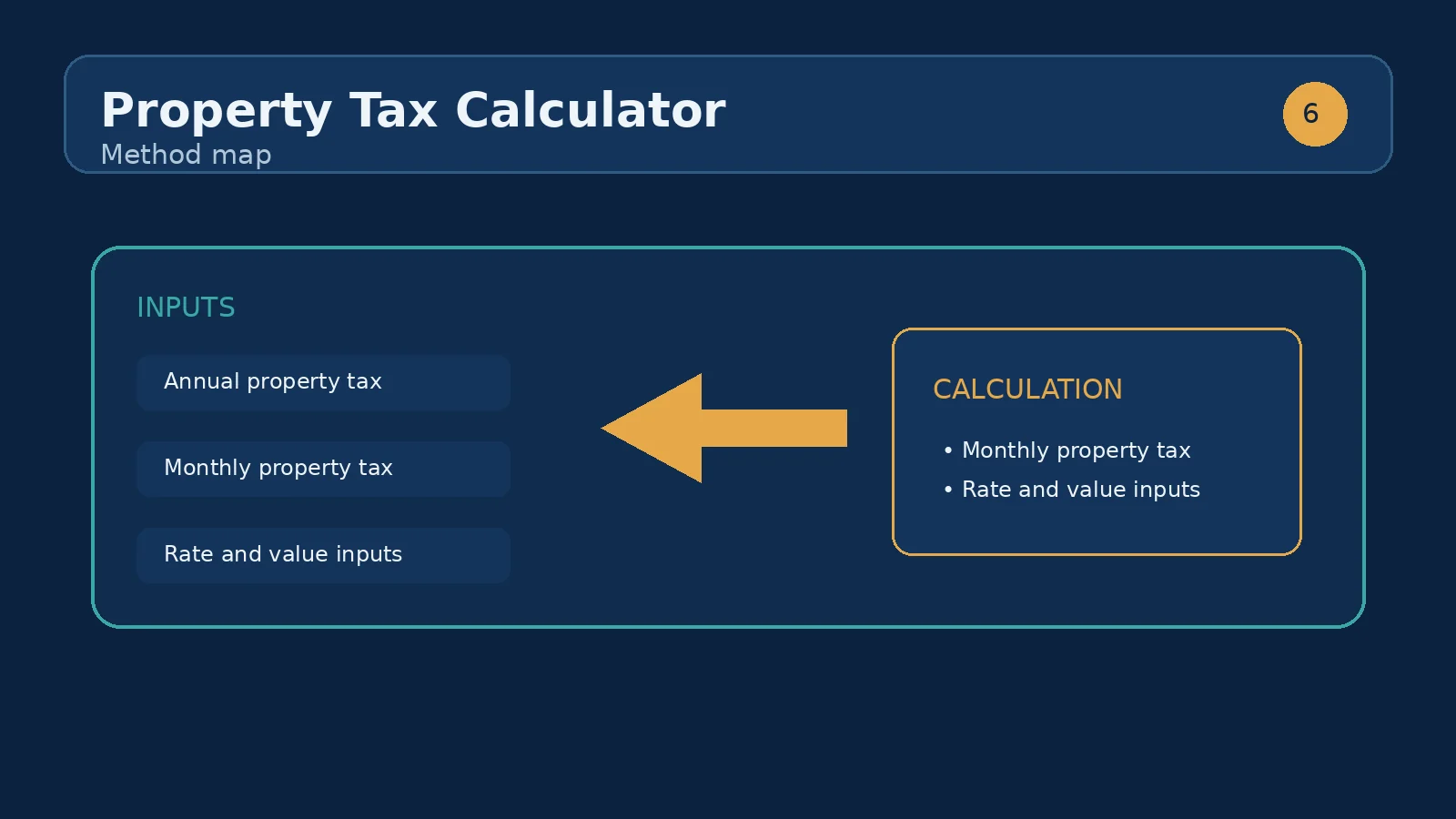
Suppose a parcel has an assessed value of $275,000 and the effective annual property tax rate is 1.4 percent. The estimated annual tax is $3,850: $275,000 × 0.014. The monthly planning figure is $320.83 after dividing that annual amount by 12.
Now compare the same rate with an assessed value of $325,000. Annual tax becomes $4,550, and the monthly conversion becomes $379.17. The $50,000 assessment difference changes annual tax by $700 and the monthly estimate by about $58.33. Nothing else in the model changed, so this is a clean illustration of the assessment's proportional effect.
This scenario is useful when reading an assessment notice or considering a proposed valuation change. Enter the current assessment first, record the outputs, and then enter the alternative assessment. The difference between the two annual results is the estimated tax effect of the assessment change at the same rate. It is not a prediction of whether an appeal will succeed or of how an authority will revise the rate.
The two inputs influence the result in the same multiplicative structure, but they represent different questions. Changing assessed value asks what happens if the taxable base changes while the rate stays fixed. Changing the rate asks what happens if the effective annual percentage changes while the assessed value stays fixed.
At an assessed value of $400,000, a 1.0 percent rate implies $4,000 per year and $333.33 per month. A 1.25 percent rate implies $5,000 per year and $416.67 per month. By contrast, keeping a 1.0 percent rate and increasing the assessment to $450,000 also implies $4,500 per year and $375.00 per month. These comparisons show why you should identify which input changed before interpreting a larger or smaller result.
For a disciplined comparison, change one field at a time and write down the annual result. Comparing annual figures first avoids letting monthly rounding obscure the underlying difference. The calculator is especially useful for side-by-side what-if checks because its two fields update the result directly without introducing unrelated assumptions.
Annual property tax is the primary modeled output. It is the clearest figure to compare with an annual tax estimate, a statement, or a budget category. Monthly property tax translates that same annual amount into twelve equal planning periods. It can be useful when assembling a monthly housing budget, but it does not describe the authority's collection schedule, installment dates, escrow process, penalties, or discounts.
Neither output should be interpreted as a complete cost of owning property. The component does not calculate insurance, maintenance, utilities, homeowners association dues, transfer taxes, mortgage payments, or special charges. It also does not display a confidence range or a legal determination of the correct rate. Treat the figures as arithmetic outputs conditioned on the two numbers you supplied.
If the result seems implausible, inspect the unit before changing the value. A rate entered as 1.1 is 1.1 percent; a decimal rate of 0.011 would be interpreted as 0.011 percent if typed directly into this percent field. Likewise, confirm that the assessment is a taxable assessed value rather than a market-value estimate that the jurisdiction does not use.
The most common mistake is entering a market price when the field calls for assessed value. A home bought for $500,000 may have a different assessment, and the component has no way to infer which figure your jurisdiction uses. A second mistake is entering 0.011 when you mean 1.1 percent; because the field is explicitly percent-based, that changes the rate by a factor of 100.
Another error is adding a monthly bill into the rate or entering a tax amount where a percentage belongs. The rate should be an annual percentage such as 1.1, while the calculator itself derives the annual dollar amount. Also avoid dividing the annual figure again when using the displayed monthly result. The interface has already performed that conversion.
Finally, do not treat a change in the displayed result as proof that a bill was calculated incorrectly. Check whether the notice includes exemptions, a different assessment date, special districts, or multiple rates. The calculator models one assessed value and one effective annual rate; a real account may combine more components.
Start with the newest assessment notice or bill you can access and identify the taxable assessed value and the effective annual rate that correspond to the same period. Enter the assessment in dollars and the rate in percentage points. Read the annual result, compare it with the documented amount, and then use the monthly result only as a budgeting conversion.
If the figures do not match, create a short reconciliation list rather than repeatedly changing inputs. Check whether the official amount includes exemptions, fixed charges, multiple parcels, a partial-year adjustment, or a rate that is expressed in a different unit. If the notice gives a tax amount but no effective rate, the calculator can help you derive an implied rate for investigation by dividing annual tax by assessed value and multiplying by 100; that derived rate is a diagnostic, not an official replacement.
Keep a record of the exact input pair used for each comparison. A dated note such as assessed value $350,000 and rate 1.1 percent makes later review possible when an assessment or rate changes.
Once the property-tax estimate is clear, the next useful question is often the full monthly housing cost. A mortgage calculator can combine a loan scenario with other recurring housing assumptions when you are evaluating affordability, while this calculator supplies only the property-tax component. Carry the annual tax estimate into that broader exercise as an annual amount divided by twelve, and keep it labeled separately so it is not confused with principal and interest.
If your immediate question is instead whether an assessment change affects the bill, repeat this calculator with the old and new assessed values at the same rate, then investigate any jurisdiction-specific rules separately. The right next tool depends on the decision: budgeting calls for a broader housing-cost view, while an assessment review calls for a careful comparison of official inputs and dates.
Effective property tax rates are published by local tax authorities and vary widely by jurisdiction.
Multiply the assessed value by the annual effective rate. On the defaults, $350,000 at 1.1% produces $3,850 a year, or $320.83 a month after dividing by 12.
The total annual tax as a percentage of the property's value. It already blends the nominal rate with assessments, exemptions, and caps, which is why it is the figure to enter here rather than the statutory millage rate.
Often not. Some jurisdictions assess at a fraction of market value or on a lagged cycle. Check your latest assessment notice or the local assessor's site, and use the value the rate is actually applied to.
Divide the annual figure by 12 and set it aside monthly — $3,850 becomes $320.83. If your lender escrows taxes, this monthly amount is usually rolled into your mortgage payment.
It requires an assessed value in dollars and a property tax rate entered as an annual percentage. It returns annual property tax and a monthly conversion.
No. The component labels its input assessed value. Enter the taxable assessed value relevant to the account or scenario you are reviewing.
Enter 1.1 in the property tax rate field. The field is percentage-based, so do not enter 0.011 unless you intend to model 0.011 percent.
The annual estimate may not divide evenly by twelve. The interface formats the monthly conversion as currency, so it is rounded to cents.
No. It is annual property tax divided by twelve for planning. The component does not model billing schedules, installments, escrow, or due dates.
There is no exemption input in this component. If an exemption changes the taxable assessed value, enter the applicable assessed value only when you have a sound basis for doing so, and verify the result against official records.
The calculator models one assessed value and one effective annual rate. An official bill may include exemptions, special assessments, multiple rates, partial periods, or other charges that are not represented here.
Every cost line in a landlord's annual budget — taxes, insurance, maintenance, management, vacancy and finance — and the ones most forecasts forget.
How we calculate: calcPropertyTax in calculators.ts; regression checks in calculators.test.ts
Last reviewed: . Learn more about Nirmal Lashkari and LashkariProperties.
Disclaimer: This calculator provides estimates for informational purposes only and is not financial, tax, or legal advice. Verify figures with a qualified professional before making decisions.